You should be able to pick a setup without learning audio engineering first.
Start with the result you want. Each path leads to a complete shopping list with the recorder, monitoring, video, lighting, room action, and relevant props.
Answer four questions insteadWhich creator are you?
I want the wired EarPods sound
Choose the correct connector, secure the inline microphone and cable, and use the recognizable lo-fi character deliberately—even on an established channel.
See the EarPods kit → The familiar desk setupI want the classic Blue Yeti setup
Use the included stand first, cardioid mode for voice, and stereo mode for left-right triggers. Add an arm only when it fixes vibration or framing.
Shop the Blue Yeti setup → Real ear-to-ear soundI want the recognizable 3D microphone
Choose the standard 3Dio or the XLR version with a recorder and two-channel workflow.
Compare both 3Dio setups → Clean voice firstI mostly whisper or make roleplay videos
Choose a close-mic setup with discreet wired monitoring and improve the recording corner before buying more microphones.
See the whispering setup → Balanced creator studioI can spend up to $1,000
Choose a complete voice, video, and lighting studio or concentrate the budget on a true binaural chain.
Compare $1,000 setups → Professional productionI need a complete pro studio
Choose roleplay or binaural, then coordinate microphone, camera, professional light, support, monitoring, storage, power, and room treatment.
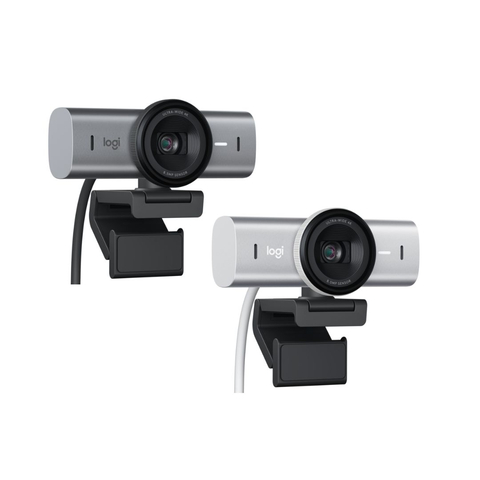
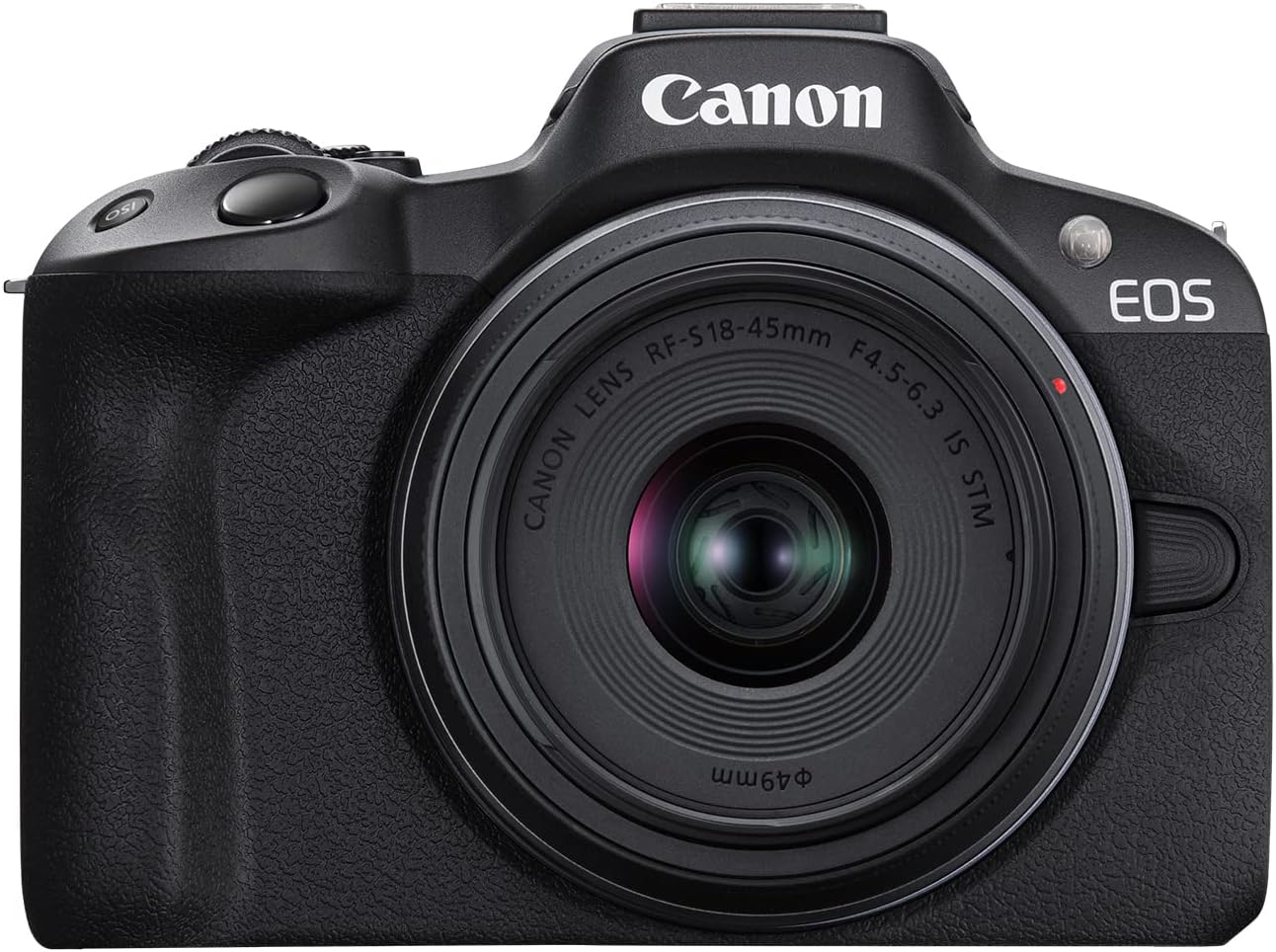
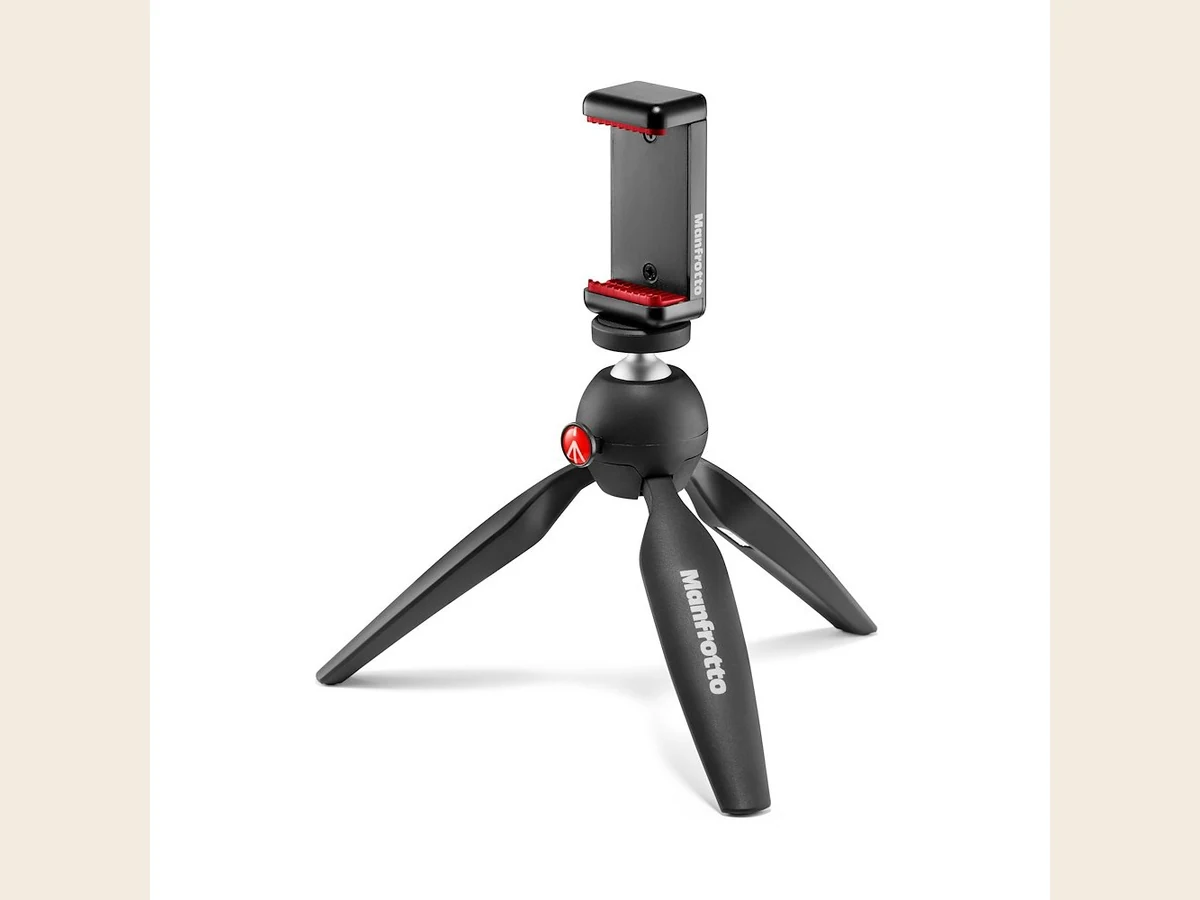
See pro studios → Video is the weak pointMy audio is acceptable, but the video looks amateur
Keep the microphone. Add stable framing and a light suited to the size of the scene before replacing a good phone.
Shop cameras and lighting → I need more soundsI already have recording gear and want trigger ideas
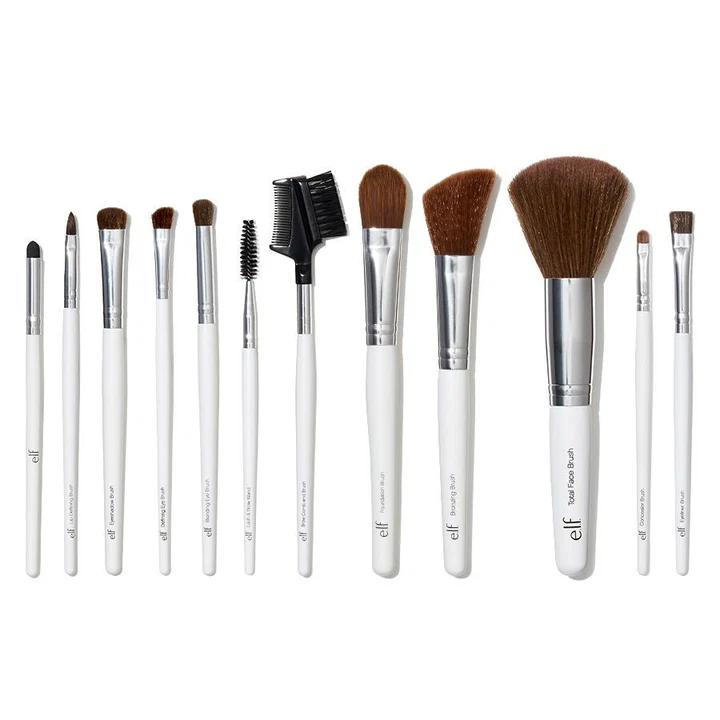
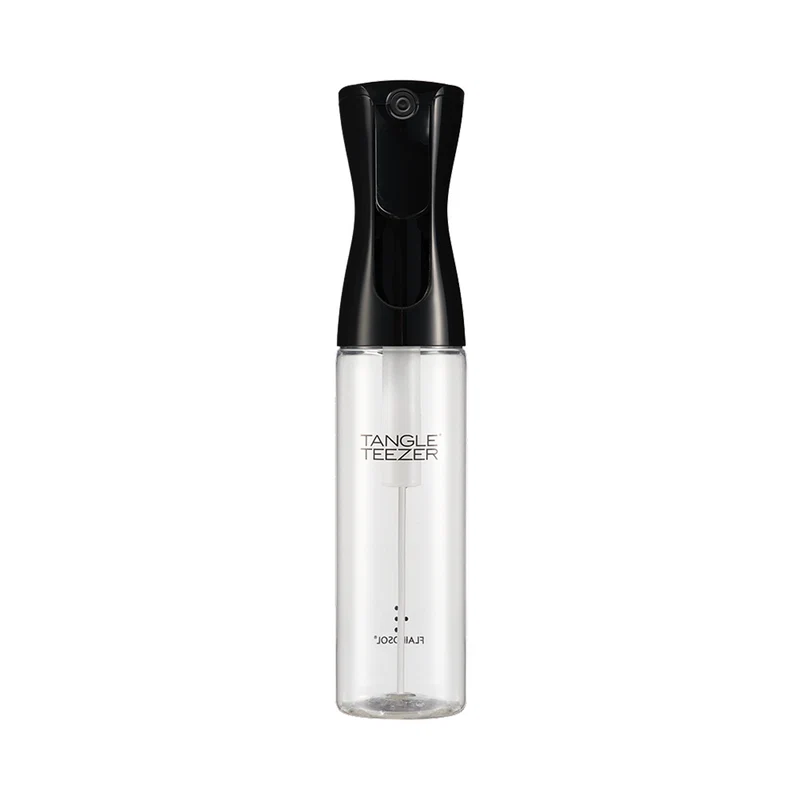
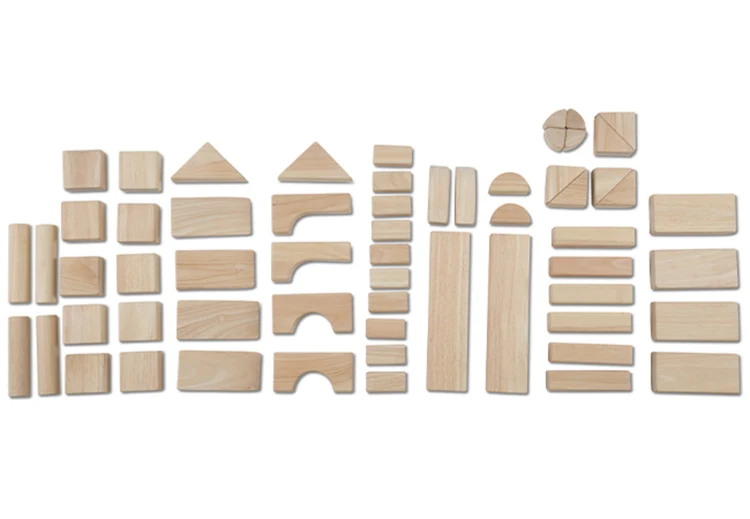
Browse exact ice globes, brushes, scalp tools, wood, crinkle sounds, spray bottles, roleplay tools, and sensory props.
Shop trigger props →Buy in this order
- One recording device.Phone, USB microphone, portable recorder, or XLR chain. Do not buy overlapping systems at the start.
- Discreet live monitoring.Use wired in-ear earphones on camera; reserve large closed-back headphones for editing.
- The parts needed to make it work.Correct connector, cable, stand or optional arm, memory card, and power.
- Stable framing and light.Choose a desk light, two-light kit, or pro panel by scene size.
- Room treatment only after diagnosis.Add exact foam for untreated-room reflections, not outside noise.
- Props for recurring content.Buy by sound category instead of ordering one random mixed bundle.
Fast answers
What not to buy automatically
- A boom arm for Blue Yeti before testing the included stand
- Large over-ear headphones as the default visible recording monitor
- Acoustic foam when the actual problem is traffic or voices through a wall
- An expensive camera before lighting and framing are stable
- Every trigger prop category before you know what the channel actually uses