Choose the recording job, then compare the primary pick with the alternatives shown directly underneath.
Intentional lo-fi EarPods, centered voice, Blue Yeti stereo triggers, direct phone capture, low-noise studio voice, and 3Dio binaural recording are different requirements.
Quick picks
Blue Yeti versus Shure for a phone-only workflow
Use Shure as the direct phone default; treat Blue Yeti as a conditional adapter-based alternative.
Blue Yeti is a computer-first USB microphone. A USB-C phone may recognize it through the right data adapter and sometimes a powered hub, but a physical USB connection alone does not guarantee power, device, or app compatibility. The selector therefore recommends Shure for phone-only users and immediately shows Blue Yeti as an alternative with the limitation stated.

Exact product picks
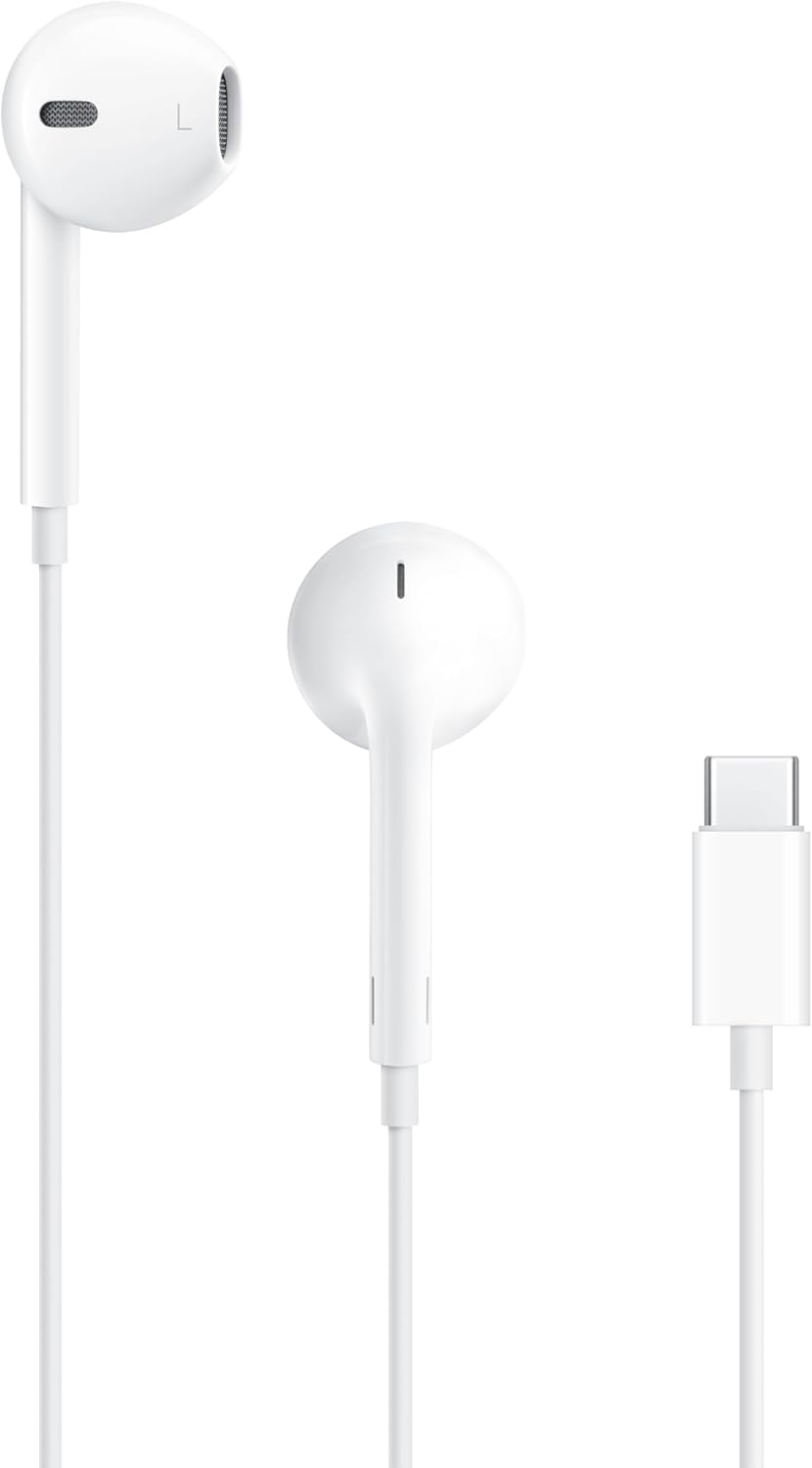
Apple EarPods (USB-C)
Best for: Intentional lo-fi ASMR and low-visibility recording on USB-C phones and tablets
Simple wired EarPods with an inline microphone. Their limited, familiar sound is part of the lo-fi ASMR aesthetic—not merely a temporary beginner compromise—and the small white earbuds stay visually unobtrusive in close-up roleplay.
Pros, limits, and setup notes
Strengths
- Very small in frame
- Inline microphone enables a deliberate lo-fi sound
- No wireless latency or pairing
Limits
- Not a studio microphone
- Connector compatibility must be checked
- The cable can create clothing and handling noise
Setup note: Keep the inline microphone stable near the mouth, secure the cable away from clothing, and use the sound intentionally rather than trying to imitate a studio condenser.
Do not buy it when: You want wide stereo movement, true binaural capture, or a polished low-noise studio sound.
Open Amazon to confirm the current price, seller, availability, and exact bundle contents. Prefer Amazon.com, the brand storefront, or an authorized dealer.
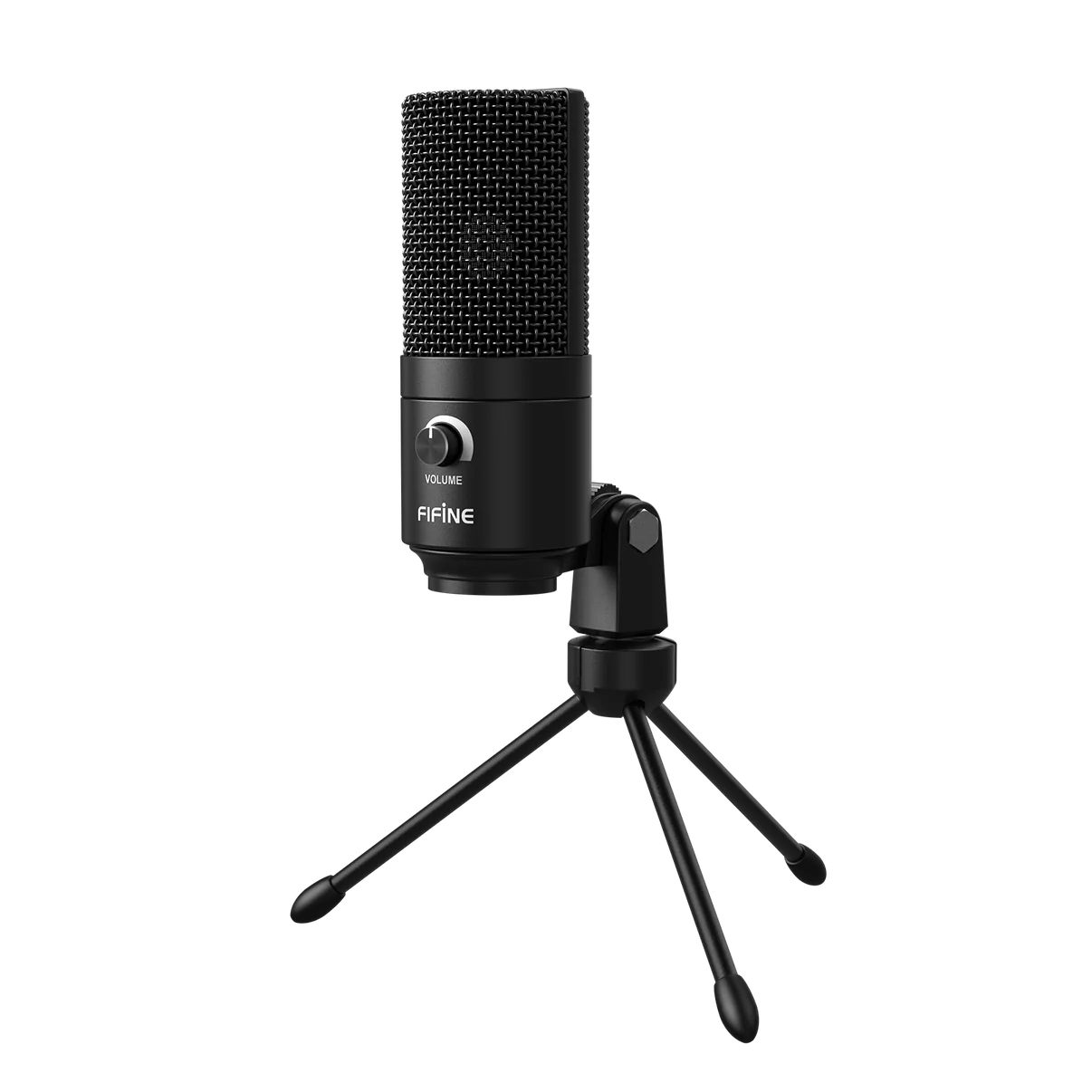
FIFINE K669B
Best for: The cheapest credible computer-first ASMR setup
A simple cardioid USB condenser with an included desk tripod. It is a sensible first microphone when the goal is to publish, learn mic distance, and avoid spending on an interface.
Pros, limits, and setup notes
Strengths
- Low entry price
- USB cable and tripod are included
- Physical gain control on the microphone
Limits
- No headphone jack for zero-latency monitoring
- Sensitive to room noise and desk vibration
- Not a stereo or binaural microphone
Setup note: Keep it 6–12 inches from the sound source, lower the gain before moving closer, and place a folded towel under the tripod.
Do not buy it when: Your room has constant traffic, HVAC, or computer-fan noise that you cannot move away from.
- A Windows, macOS, or supported USB host.
- The included mini tripod is enough to start; add a stand only when placement or vibration requires it.
- Monitor through the computer or a separate audio output because the microphone has no direct headphone jack.
Open Amazon to confirm the current price, seller, availability, and exact bundle contents. Prefer Amazon.com, the brand storefront, or an authorized dealer.
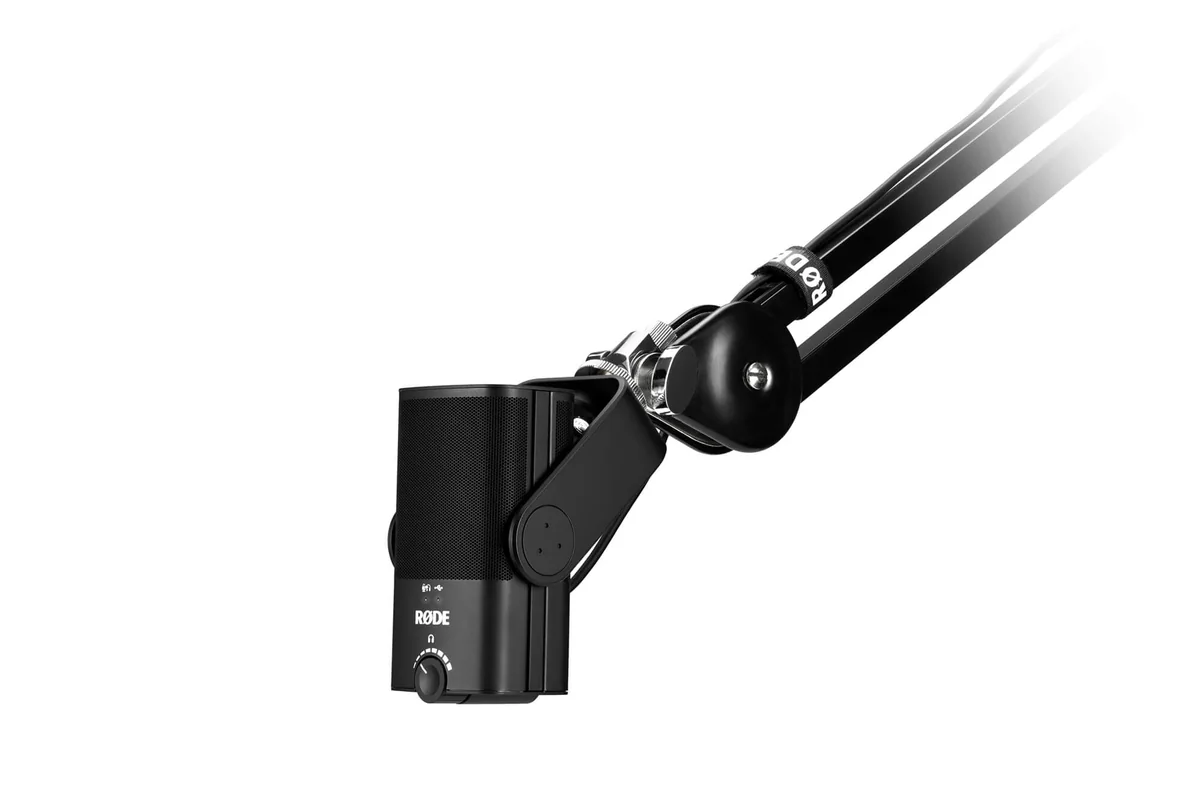
RØDE NT-USB Mini
Best for: Whispering and roleplay on a quiet desk setup
A compact cardioid USB microphone with a built-in pop filter and zero-latency headphone monitoring. It is the cleanest default for a creator who wants a straightforward one-cable desk setup.
Pros, limits, and setup notes
Strengths
- Built-in pop filter
- Zero-latency headphone output
- Compact magnetic desk stand
Limits
- Cardioid only; no stereo trigger capture
- The short included stand can transmit desk vibration
- A quiet room still matters
Setup note: Use the boom arm for tapping sessions and keep the microphone slightly off-axis for breathy whispers.
Do not buy it when: You specifically want left-right stereo movement from a single microphone.
- A computer or supported USB host and a compatible USB cable.
- Wired in-ear monitoring can plug into the microphone headphone output.
- The magnetic desk stand is enough to start; a compatible arm is optional.
Open Amazon to confirm the current price, seller, availability, and exact bundle contents. Prefer Amazon.com, the brand storefront, or an authorized dealer.
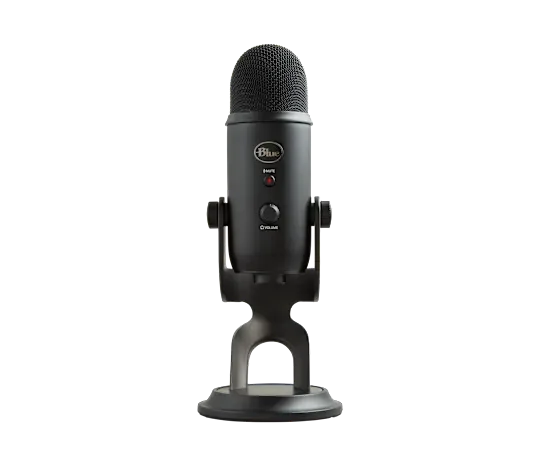
Blue Yeti (Logitech G)
Best for: Stereo tapping and brushing with a simple desk-first workflow
The classic Blue Yeti multipattern USB microphone. Its included desk stand is enough to start: use stereo mode for left-right trigger movement and cardioid mode for centered whispering or roleplay. A boom arm is an optional upgrade, not a required purchase.
Pros, limits, and setup notes
Strengths
- Selectable stereo and cardioid modes
- Included weighted desk stand works out of the box
- Headphone monitoring and on-mic controls
Limits
- The desk stand can transmit bumps from the recording surface
- Can capture more room sound than expected
- Stereo mode is not true ear-shaped binaural capture
Setup note: Start on the included stand over a soft desk pad or folded towel. Add a weight-rated boom arm later only when desk vibration, positioning, or framing becomes a real problem. For phone use, test the exact phone, adapter, power path, and recording app before buying around the Yeti.
Do not buy it when: Your room is noisy or you only record centered close-up whispers.
- A computer with USB for the most predictable setup.
- The included weighted desk stand is enough to start.
- A boom arm is optional and must support the microphone’s weight.
- Phone use may require a data-capable adapter and adequate power; compatibility is not universal.
Open Amazon to confirm the current price, seller, availability, and exact bundle contents. Prefer Amazon.com, the brand storefront, or an authorized dealer.

Shure MV88 USB-C
Best for: Phone-first ASMR on modern USB-C devices
A compact stereo USB-C microphone designed to plug directly into compatible phones and tablets. It adds controllable gain and stereo capture without the adapter, powered-hub, and app uncertainty of adapting a computer-first USB microphone.
Pros, limits, and setup notes
Strengths
- True stereo capture from a phone
- Multiple pickup modes
- Small enough for travel and vertical-video rigs
Limits
- Uses the phone's USB-C port while recording
- Phone cases thicker than the supported clearance may interfere
- No dummy-head ear shape
Setup note: Mount the phone, point the microphone toward the trigger area, and use Shure's app to set gain before recording the final video.
Do not buy it when: Your phone uses Lightning or your case prevents a solid USB-C connection.
- A supported USB-C phone, tablet, or computer and a compatible recording app.
- Enough connector clearance around the phone case.
- A stable phone tripod or clamp when recording video.
Open Amazon to confirm the current price, seller, availability, and exact bundle contents. Prefer Amazon.com, the brand storefront, or an authorized dealer.
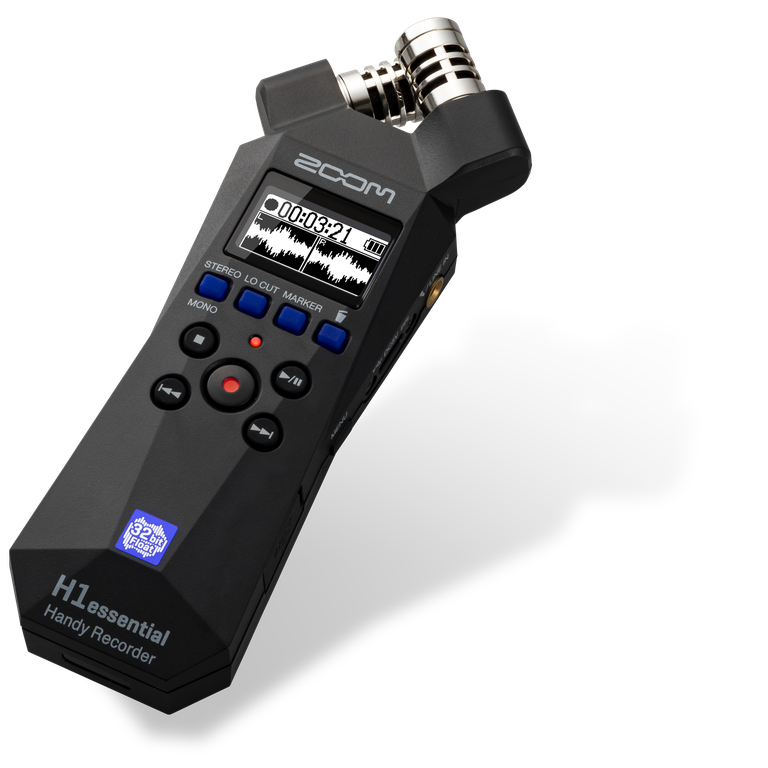
Zoom H1essential
Best for: Portable stereo trigger recording without a computer
A compact handheld recorder with built-in X/Y stereo microphones and 32-bit float recording. It is a practical step up from a phone when the creator wants left-right object movement and a self-contained recorder.
Pros, limits, and setup notes
Strengths
- Built-in stereo microphones
- 32-bit float recording reduces gain-setting mistakes
- Portable and battery powered
Limits
- Handling noise is easy to record
- The microphones are fixed in one X/Y arrangement
- A windscreen and small stand are useful extras
Setup note: Mount it on a small tripod, avoid touching the body during takes, and verify left-right orientation before recording the full session.
Do not buy it when: You need realistic ear-shaped binaural cues or separate XLR microphones.
- A compatible microSD card and batteries or USB power.
- A small tripod or isolated support when it is used on a desk.
- Wired earphones or headphones for test playback and level checks.
Open Amazon to confirm the current price, seller, availability, and exact bundle contents. Prefer Amazon.com, the brand storefront, or an authorized dealer.
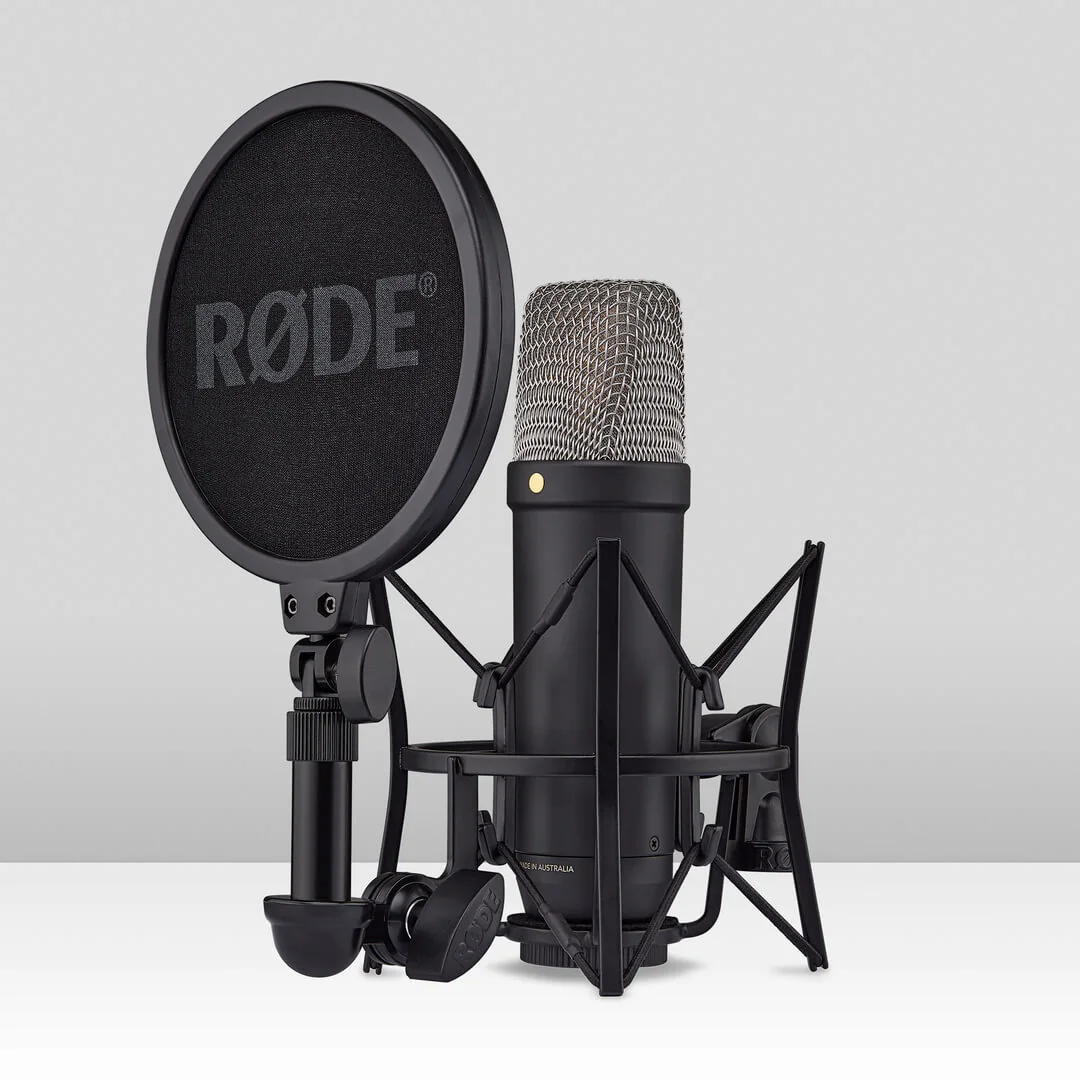
RØDE NT1 5th Generation
Best for: A serious whispering upgrade without committing to an interface immediately
A very low-noise studio condenser with both XLR and USB connectivity. USB makes it usable as a direct computer microphone now; XLR leaves a clean upgrade path later.
Pros, limits, and setup notes
Strengths
- Very low self-noise
- Both USB and XLR outputs
- Included shock mount and pop filter
Limits
- Exposes room noise and reflections
- No stereo capture from one microphone
- Requires careful gain and room control
Setup note: Use the included shock mount, record close, and reduce room reflections before judging the microphone.
Do not buy it when: Your room has audible background noise that cannot be controlled.
- Choose one path: direct USB-C to a computer, or XLR to an interface/recorder.
- For XLR use, add an XLR cable and an input that can provide 48 V phantom power.
- A stable microphone stand or arm; use the included shock mount and pop filter.
- Wired headphones or in-ear monitors from the microphone, computer, or interface.
Open Amazon to confirm the current price, seller, availability, and exact bundle contents. Prefer Amazon.com, the brand storefront, or an authorized dealer.
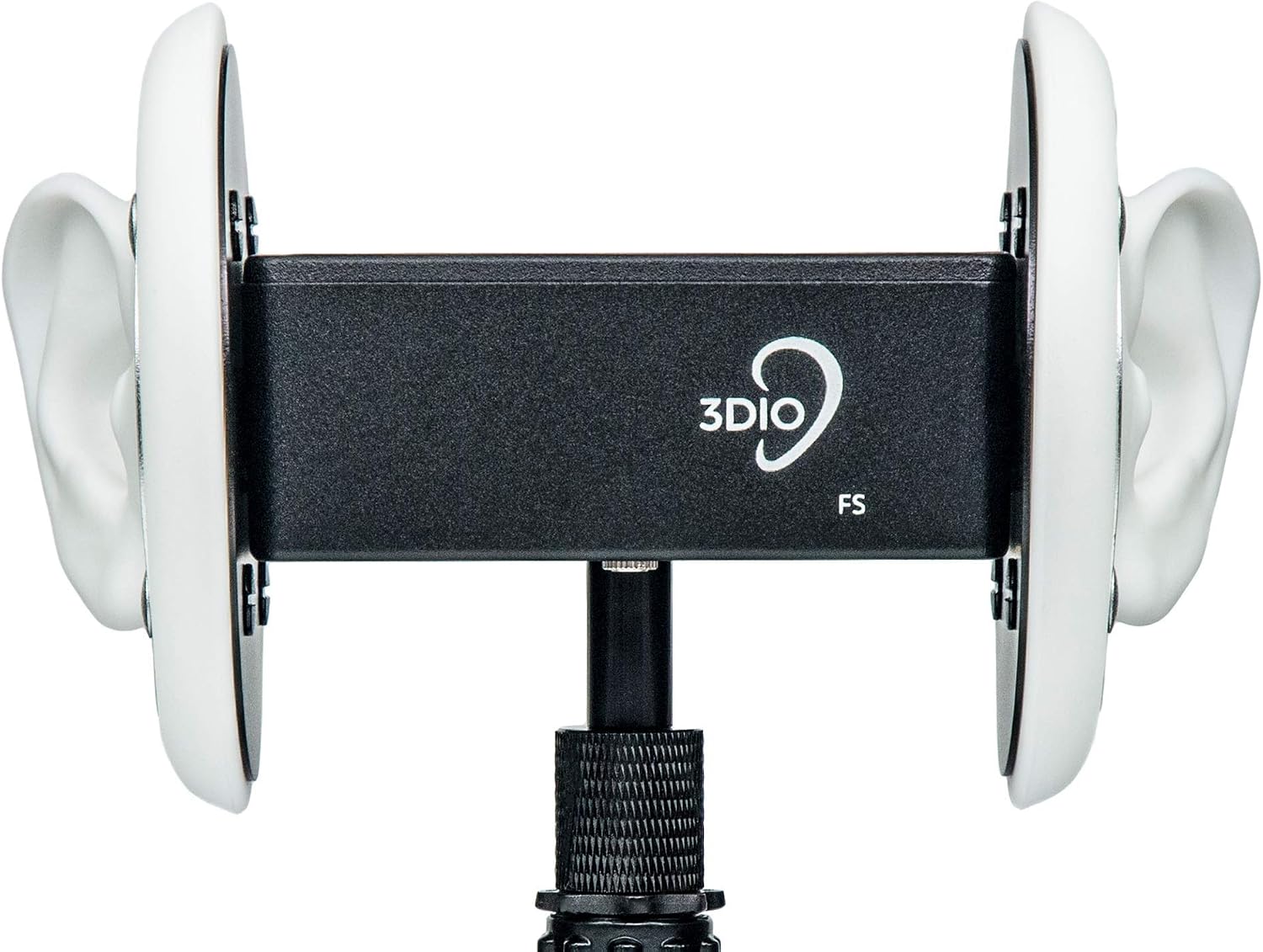
3Dio Free Space (FS)
Best for: The recognizable ear-shaped ASMR microphone with a simpler stereo output
The standard 3Dio Free Space places matched microphone capsules inside silicone ears and sends a stereo signal through a 3.5 mm output. It is the familiar binaural microphone seen in many ear-to-ear ASMR videos.
Pros, limits, and setup notes
Strengths
- True ear-shaped spatial cues
- Simpler than a two-XLR version
- Includes a hard case and splitter cable
Limits
- Still needs a compatible recording input
- Sensitive to room noise
- Much more expensive than a Blue Yeti
Setup note: Confirm that the recording input is stereo, label left and right, and run a room-noise test before filming.
Do not buy it when: You only need ordinary stereo movement or have no compatible stereo microphone input.
- A recorder, camera, or interface with a compatible stereo 3.5 mm microphone input.
- A stereo 3.5 mm cable and the required internal battery for the exact model.
- A stable stand or support and wired monitoring from the recorder.
Open Amazon to confirm the current price, seller, availability, and exact bundle contents. Prefer Amazon.com, the brand storefront, or an authorized dealer.
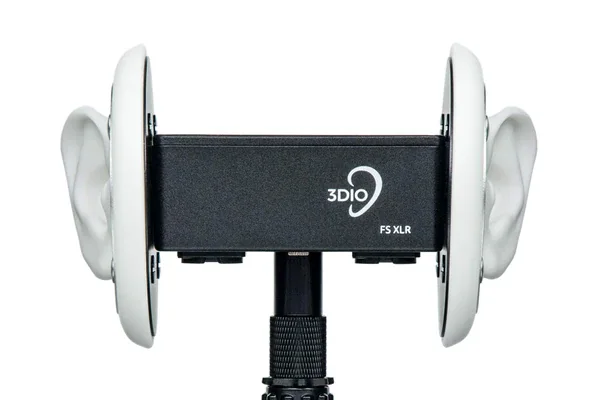
3Dio Free Space XLR
Best for: Ear-to-ear roleplay and repeatable binaural triggers
A dummy-head-style microphone with two silicone ears and separate left and right XLR outputs. It is the core of the site's under-$1,000 binaural setup.
Pros, limits, and setup notes
Strengths
- Physical ear shapes create convincing spatial cues
- Separate balanced left and right outputs
- Consistent prop placement between sessions
Limits
- Needs a two-input recording chain
- Room noise is still captured
- Large purchase for a first channel
Setup note: Route left and right XLR outputs to separate channels, verify channel orientation, and keep the recorder's phantom power enabled.
Do not buy it when: You have not yet proved that binaural roleplay is central to your content or your room is uncontrolled.
- A two-channel recorder or audio interface with suitable microphone inputs.
- Two XLR cables and a stable stand/support.
- Verify the exact model’s power requirements before enabling phantom power.
- Wired headphones or in-ear monitors connected to the recorder/interface.
Open Amazon to confirm the current price, seller, availability, and exact bundle contents. Prefer Amazon.com, the brand storefront, or an authorized dealer.
Monitoring during the take versus editing
Use small wired EarPods or other in-ear monitoring when the creator is visible. Use closed-back over-ear headphones for editing, isolation, and off-camera checks.
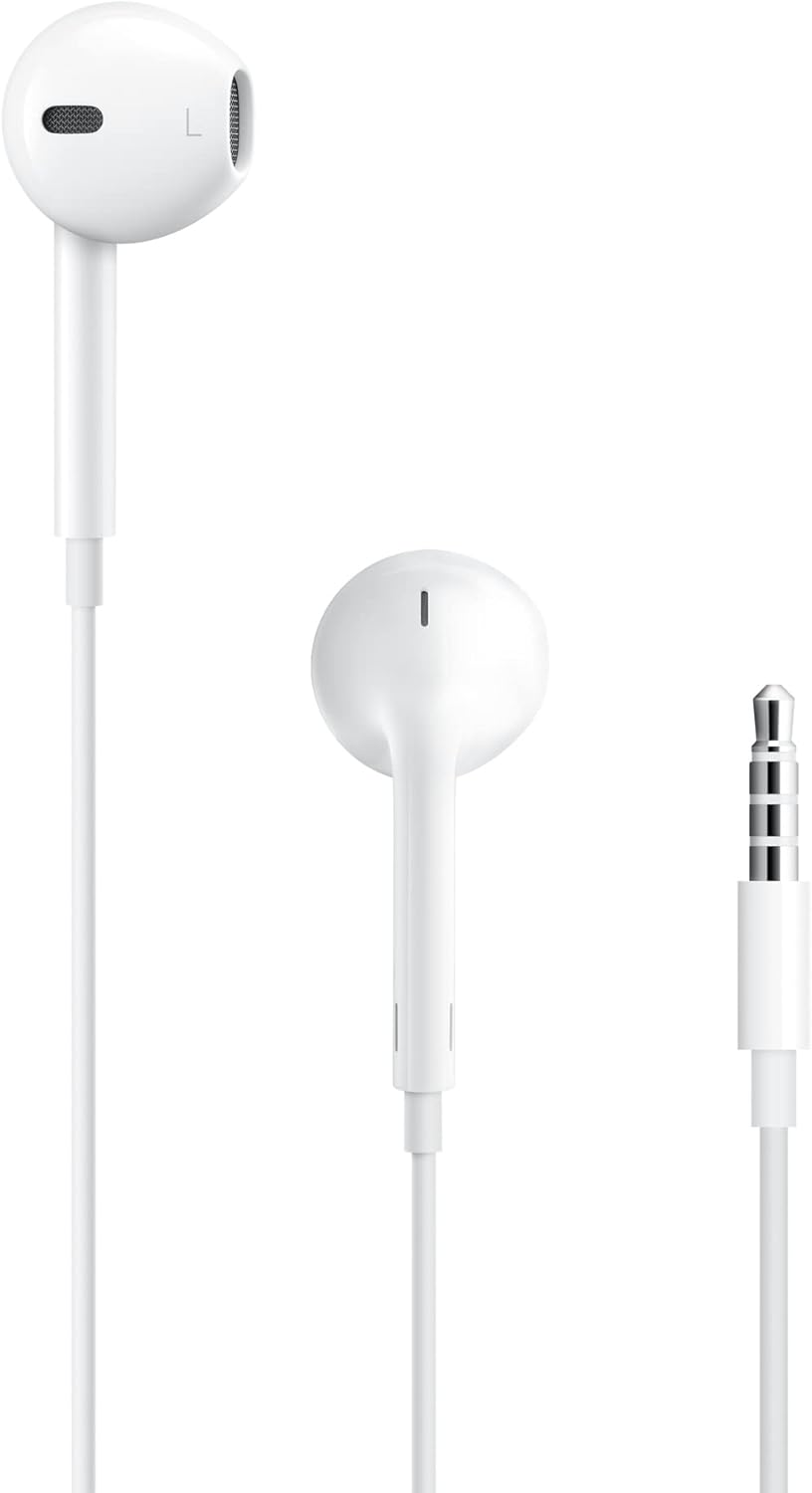
Apple EarPods (3.5 mm)
Best for: Low-visibility on-camera monitoring and intentional lo-fi recording on compatible 3.5 mm devices
The 3.5 mm EarPods are the most useful studio companion of the three versions: plug them into a Blue Yeti, USB microphone, recorder, or interface for discreet monitoring, or use the inline microphone on a compatible TRRS device for intentional lo-fi ASMR.
Open Amazon to confirm the current price, seller, availability, and exact bundle contents. Prefer Amazon.com, the brand storefront, or an authorized dealer.
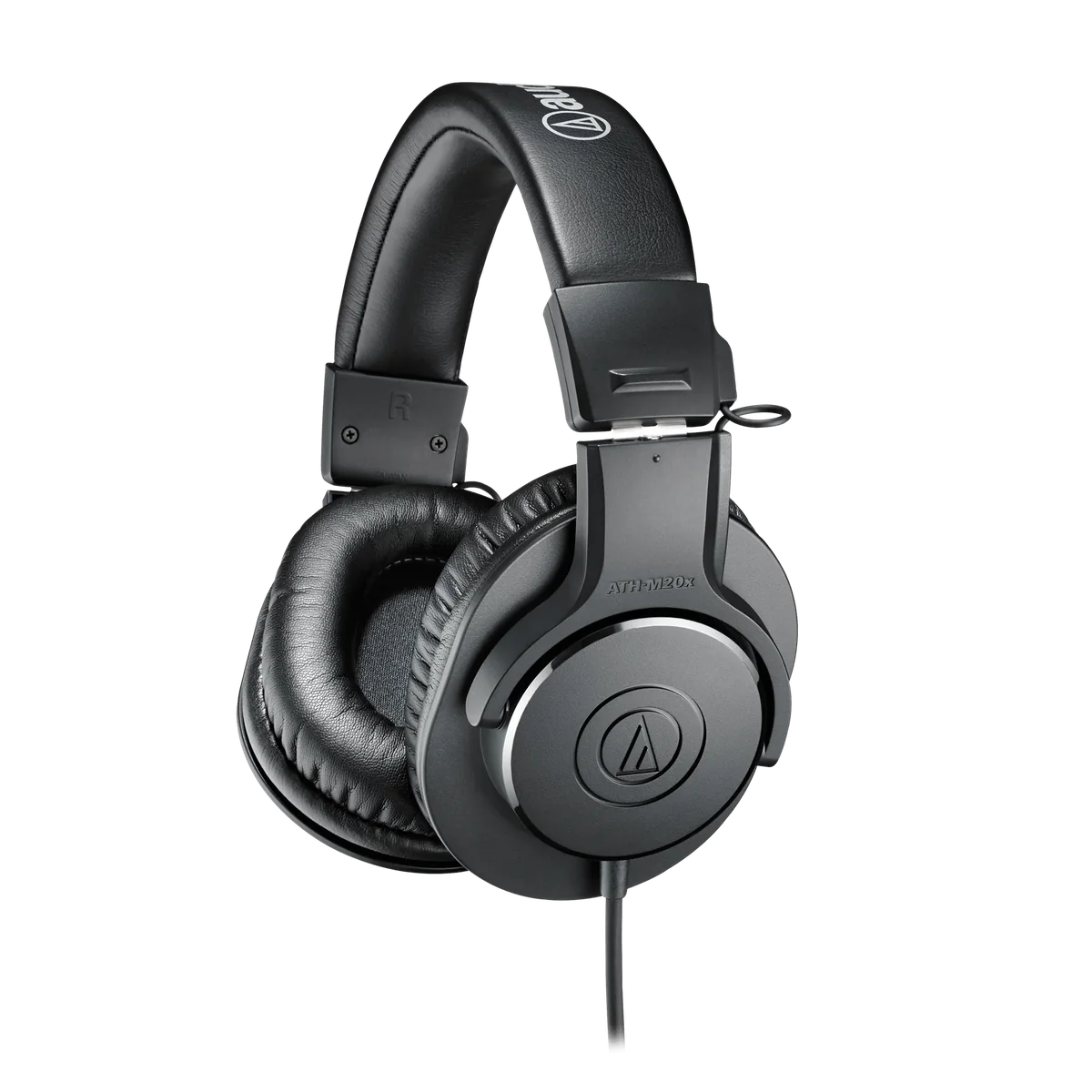
Audio-Technica ATH-M20x
Best for: Editing, noise checks, and off-camera monitoring
Affordable closed-back headphones for reviewing takes and editing. They isolate better than EarPods, but their size makes them a poor default while filming ASMR; use discreet wired in-ear earphones on camera instead.
Open Amazon to confirm the current price, seller, availability, and exact bundle contents. Prefer Amazon.com, the brand storefront, or an authorized dealer.
Microphone arms, recorders, and interfaces
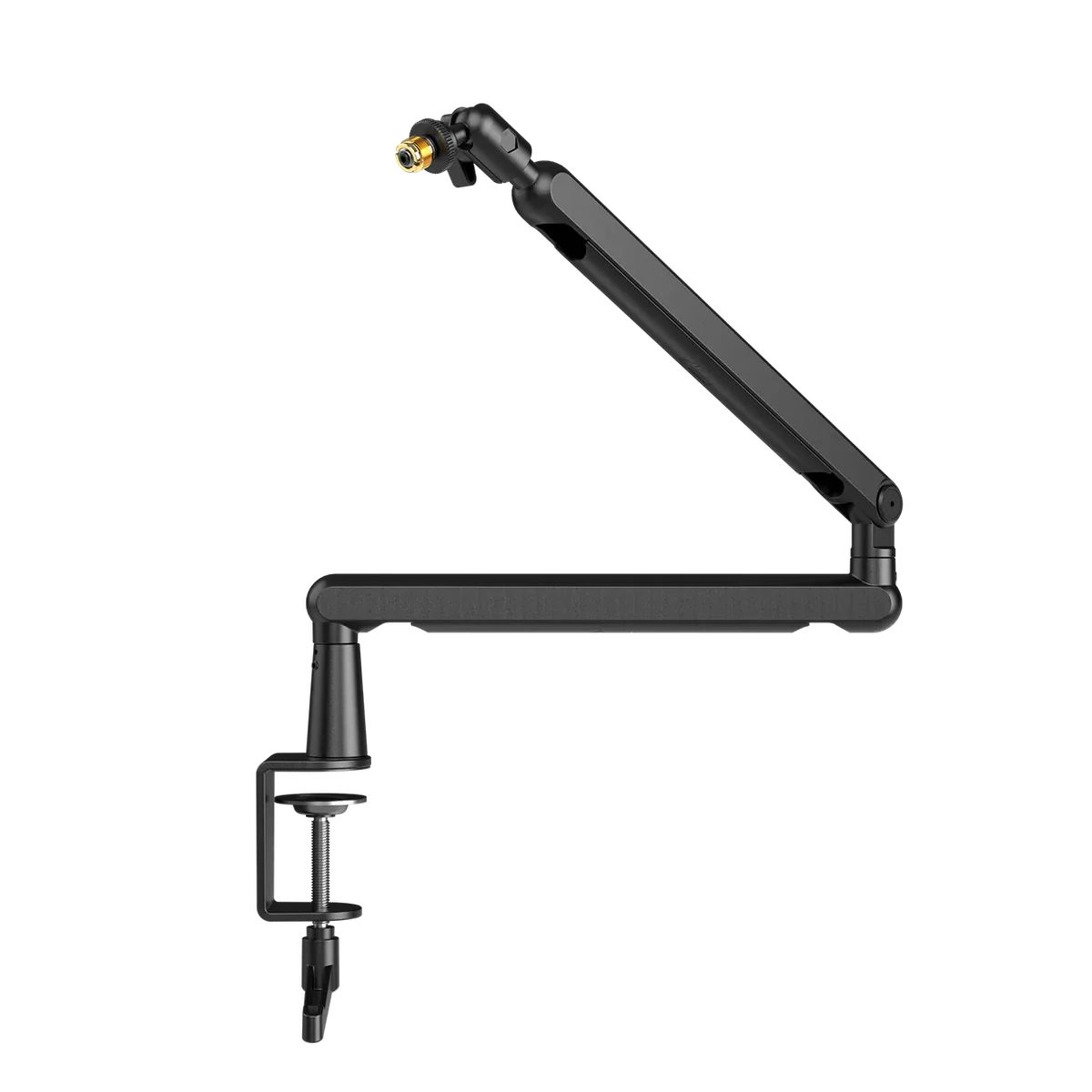
FIFINE BM88
Best for: Moving a desk microphone off the tapping surface
A low-profile clamped arm with built-in cable routing and common microphone thread sizes. Its practical value for ASMR is isolation: the microphone no longer sits on the desk being tapped.
- A desk edge that fits the clamp and can support the load.
- A compatible microphone thread/adapter and verified microphone weight.
Open Amazon to confirm the current price, seller, availability, and exact bundle contents. Prefer Amazon.com, the brand storefront, or an authorized dealer.
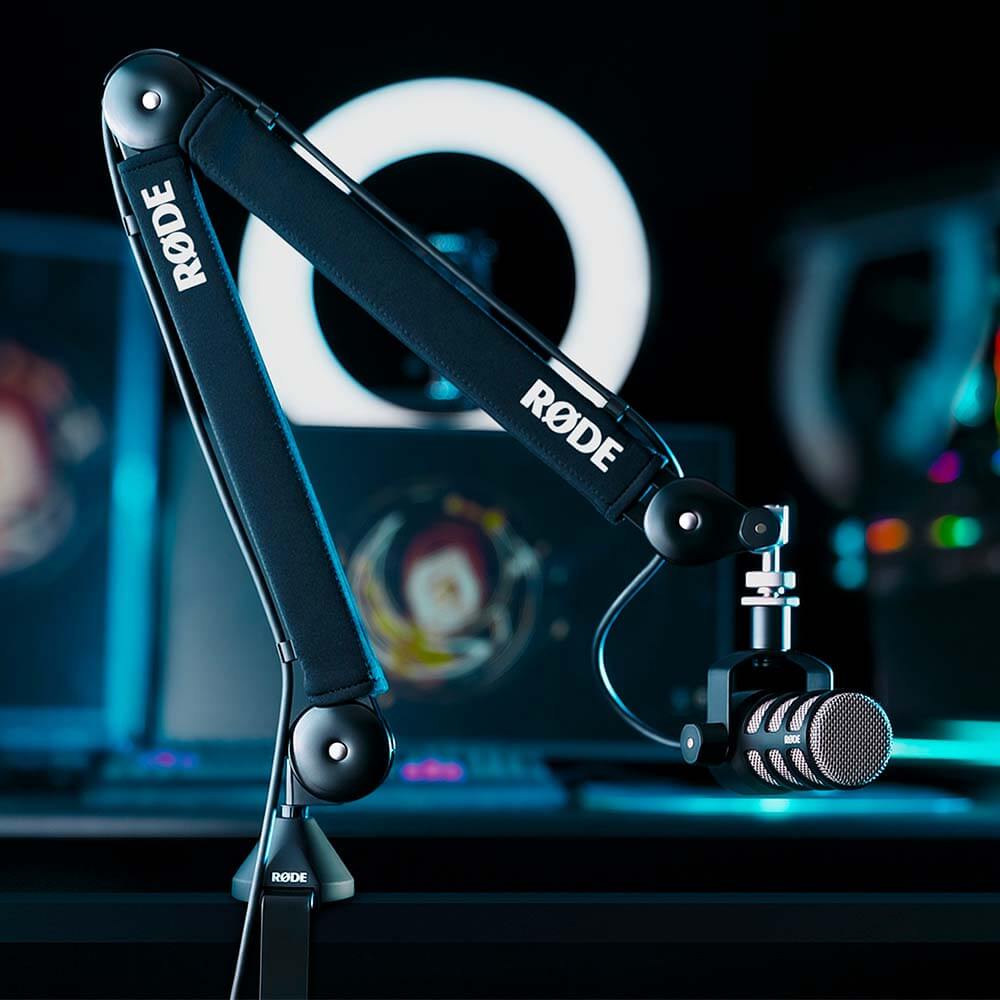
RØDE PSA1+
Best for: Moving a heavy microphone off the desk without noisy repositioning
A premium articulated desk arm designed for a wide range of microphone weights. It is especially useful with heavier USB microphones such as the Blue Yeti and for close trigger work where desk vibration matters.
- A desk surface that can safely accept the clamp or insert mount.
- A compatible microphone thread/adapter and a microphone within the supported weight range.
Open Amazon to confirm the current price, seller, availability, and exact bundle contents. Prefer Amazon.com, the brand storefront, or an authorized dealer.
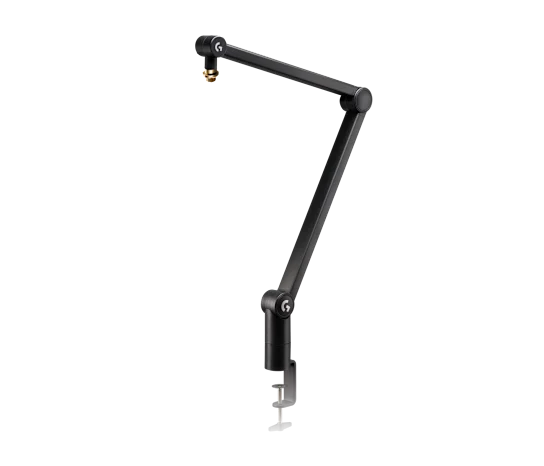
Logitech G Compass
Best for: A clean Blue Yeti desk setup with internal springs and cable management
A tube-style broadcast arm suited to heavier creator microphones. It pairs naturally with the Blue Yeti when the creator wants the classic desk setup without keeping the microphone on its vibration-prone base.
- A desk surface that can safely accept the clamp.
- A compatible microphone thread/adapter and a microphone within the supported weight range.
Open Amazon to confirm the current price, seller, availability, and exact bundle contents. Prefer Amazon.com, the brand storefront, or an authorized dealer.
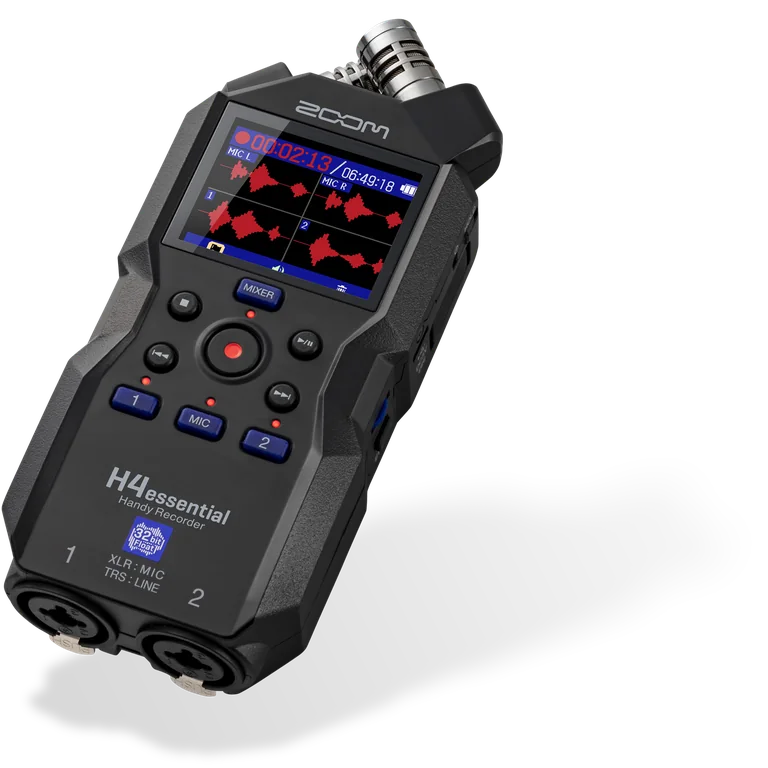
Zoom H4essential
Best for: Recording a two-channel binaural rig without a laptop
A portable 32-bit-float recorder with two XLR/TRS inputs and phantom power. It supplies the two input channels required by the 3Dio setup and can also act as a USB audio interface.
- A compatible SD card and batteries or USB power.
- XLR cables when using external XLR microphones.
- Wired headphones or in-ear monitors.
Open Amazon to confirm the current price, seller, availability, and exact bundle contents. Prefer Amazon.com, the brand storefront, or an authorized dealer.
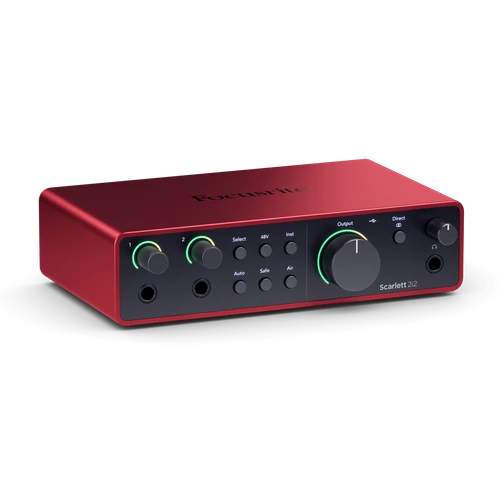
Focusrite Scarlett 2i2 4th Gen
Best for: Two-microphone or two-channel XLR recording on a computer
A two-input USB-C audio interface for creators who want separate left and right XLR microphones or a studio condenser chain. It is the straightforward computer-based alternative to a portable recorder.
- A computer and compatible USB-C connection.
- XLR cables for microphones and 48 V phantom power for condensers that require it.
- Wired headphones or in-ear monitors.
Open Amazon to confirm the current price, seller, availability, and exact bundle contents. Prefer Amazon.com, the brand storefront, or an authorized dealer.
More compatible accessories
Microphone Pop Filter
Use it to complete the recording, support, power, cable, or monitoring chain. Verify connector and device compatibility before ordering.
Check current price on Amazon → · paid linkAudio accessoryMicrophone Shock Mount
Use it to complete the recording, support, power, cable, or monitoring chain. Verify connector and device compatibility before ordering.
Check current price on Amazon → · paid linkAudio accessoryMogami Gold Studio 10 XLR Cable
Use it to complete the recording, support, power, cable, or monitoring chain. Verify connector and device compatibility before ordering.
Check current price on Amazon → · paid linkAudio accessoryPowered USB-C Hub Data Microphone
Use it to complete the recording, support, power, cable, or monitoring chain. Verify connector and device compatibility before ordering.
Check current price on Amazon → · paid linkCompatibility traps that cause returns
- USB-C and Lightning are not interchangeable
- A USB microphone does not plug into an XLR interface
- A physical USB adapter does not guarantee phone power or recording-app support
- The standard 3Dio needs a compatible stereo microphone input
- A binaural microphone with two XLR outputs needs two inputs
- Bluetooth headphones add latency and are poor for live monitoring
- Blue Yeti includes a desk stand; a boom arm is optional
- A more sensitive condenser can make a noisy room sound worse
Frequently asked questions
Does Blue Yeti work directly with a phone?
Not as a reliable universal direct-phone microphone. It is designed as a computer USB microphone. Some USB-C phones or tablets may work through a compatible data adapter and sometimes a powered hub, but power, phone, operating-system, and recording-app support must be tested. The Shure MV88 USB-C is the safer direct mobile choice for supported devices.
Should I wear large headphones while filming ASMR?
Usually no. Small wired in-ear earphones are less visible during a take. Closed-back full-size headphones are more useful for editing and off-camera checks.
Does Blue Yeti require a boom arm?
No. It includes a weighted desk stand. Add an arm only when desk vibration, reach, or framing proves that the stand is limiting the setup.
Is stereo the same as binaural?
No. Stereo separates left and right channels. True binaural recording also uses ear-like spacing and acoustic geometry to create head-related cues.